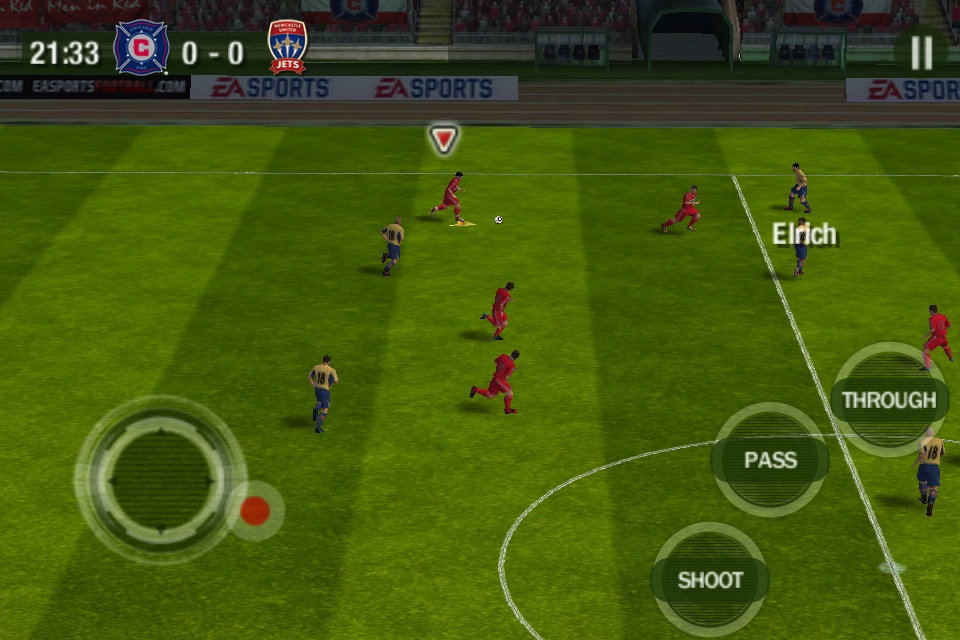
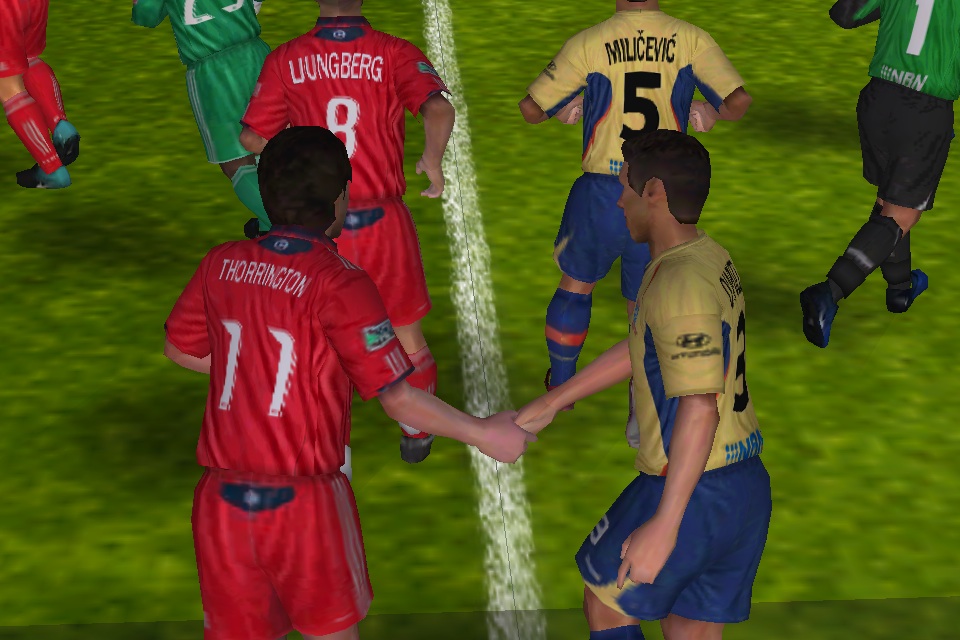
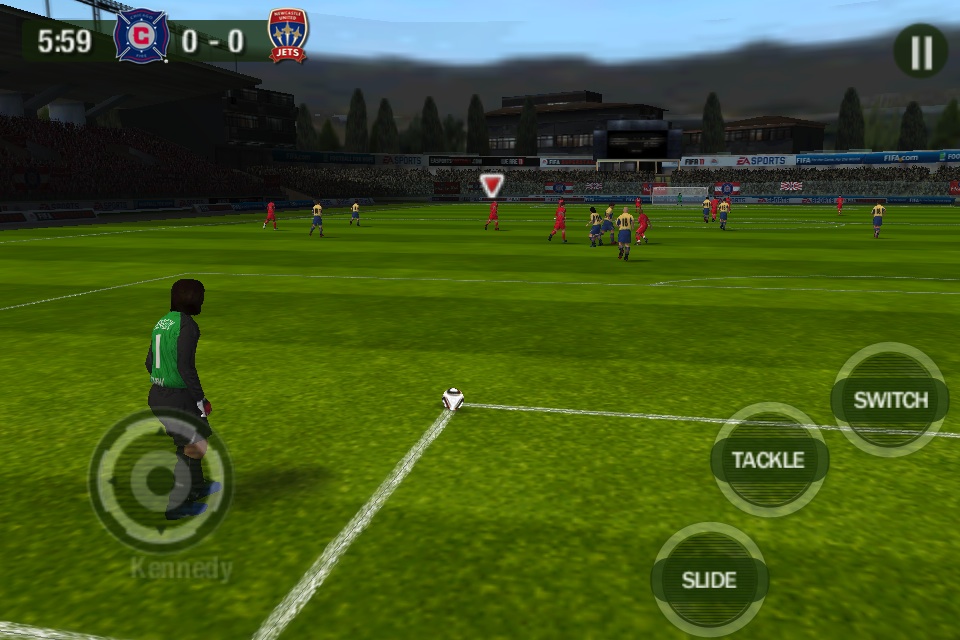
 11 is somewhat of a milestone for EA Sports, being the number of players each team has on the field. As such, there were lofty expectations of Fifa 11 [App Store] to deliver something really special. Things start out great with Fifa 11� when you first load up your first game, you are treated to some of the best looking soccer ever created on the iOS platform. Retina support is crystal clear and ultra sharp, but even the older models will enjoy the brilliant and believable life-like animations and the finer details as EA have tried (and succeeded, we think) to give a fair bit of recognition to their player models and stadiums.
Of course, EA's licensing credentials mean that all the 31 leagues and their respective squads are well represented, and appear to be largely up to date. There are also a very respectable 50 stadiums to play on, fortunately only a few of which are generic models. The iconic stadiums from around the world nearly all feature here and look terrific in both the day and night settings available.
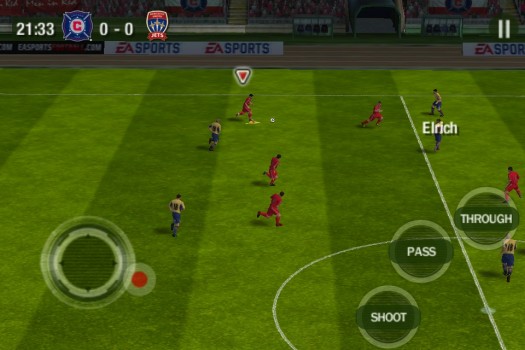
Regretfully, the overall visual appeal of Fifa 11 was marred for us during our review with a frustrating slowdown bug. This affected both our 3GS testing device and the iPhone 4, with many users on our forums indicating similar problems. We're hoping that EA address this in a fix soon, as we could barely get through a game without requiring a restart to get the game back to speed.
That problem aside, when it was working well, the gameplay in Fifa 11 is definitely a more measured approach than what we're used to. No longer can you press for a through ball and get a perfectly weighted pass to your runner. Passes now have a power indicator, and a degree of skill is required to do what was previously effortless. Of course, this is dramatically altered by your difficulty setting, with the lowest settings giving you that extra helping hand.
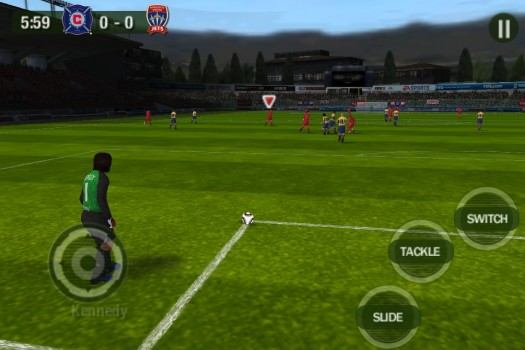
 If you do struggle with the controls, you'll appreciate the default 'casual' settings, which offer a limited, but descriptive control set. Instead of the advanced A, B and C buttons, casual mode includes a context sensitive pass, shoot and through buttons, which change to switch, tackle and slide when you're in defence. Pressing longer on the pass button will intelligently lob the ball, as the game tries to second-guess your intentions. If you're after greater control though, you can't pass up the Advanced mode, which offers the more skill intensive slide-off buttons, where lobbing requires you to slide your thumb off the pass button, and through balls are performed by sliding from the middle C button to B.
This latter button combination caused more frustration than it should have, particularly for an action as frequently used as the through ball. It took alot of wrestling with the controls to get used to, and I can't help but feel there was a better way to go about this. On the flipside, I really liked the new touch gestures in Fifa 11. Tapping on the screen would perform a skill move such as a step over; dragging on a teammate would cause them to sprint forward into space; and tapping a player in defense would switch control of that player to you. I appreciated the fact that a little thought has gone into making the most use of the iOS interface.
The Fifa series is reknown for the quality of features that support the actual gameplay. In some respects, Fifa 11 doesn't depart from this. The fully voiced commentary (that thankfully doesn't seem to make as many mistakes as previous versions, and has the voice-work for even the smallest of teams) that contributes to the hefty 858mb filesize is easily the best of these. The availability of 3 game modes on top of the exhibition games (a cup mode, league mode and practice arena) also serves to keep things fresh. I've yet to see a comprehensive manager mode as the console versions have enjoyed, and it seems like we may need to wait a while longer for that to happen.
The menus and options in Fifa 11 also depart a bit from the expected standard. There seem to be far too many greyed out and inaccessible features in Fifa 11, the largest of these being an exciting multiplayer mode which I cannot wait for. Team strategies present a large list of toggleable options with only few of these actually available for each formation, which are largely rigid and canned. I'm not sure what the deal is with this, but it's certainly odd to see a lack of tactical flexibility. I're also disappointed to see no tooltip assistance is given on any of the options, making them prohibitive to new users and those not familiar with the soccer jargon.
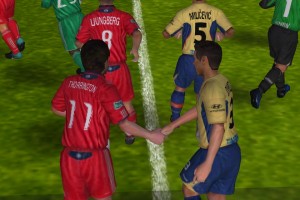
I can comfortably say that Fifa 11 is the prettiest soccer game to grace our devices. I can't overstate just how life-like the player interactions are, whether it's jostling on the ball, celebrating goals, or performing cute dribbling maneuvers; the iOS platform has closed the gap dramatically with its console cousins and is a definite step up from last year's offerings. Unfortunately, the release build's nagging performance issues really hampered my time with Fifa 11, so we do advise caution until a fix is released. That aside, the scaleable difficulty and greater emphasis on player input and skill should prove a blessing to both experienced fans and newcomers alike. Ultimately, the verdict is still out on whether Fifa 11's gameplay can stand up to the other heavy-hitting soccer sims such as Gameloft's recently released Real Soccer 11 and Konami's Pro Evo 11 (if it ever arrives). We still feel there's room for improvement though, particularly where the finer controls are concerned, and we're sure that EA's starting 11 will have to look a little different next year to continue to impress.