


A few days ago we had the LG Optimus arrive at our office for review and we even had an unboxing of the LG Optimus.
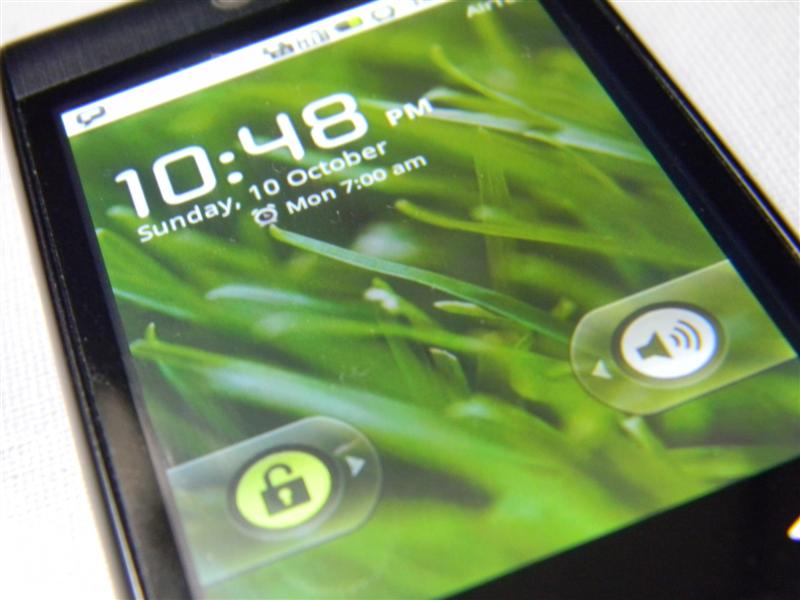
The LG Optimus is an inexpensive Android offering from LG, designed to fit into that sweet spot of sub 15k price point. This after all the spot at which the smartphone market starts looking competitive, very much like the 600cc engine segment in motorcycles. At this point one expects almost everything � smartphone OS, big camera, touchscreen/QWERTY, WiFi, GPS, etc.
This segment can be considered the stepping stone to the bigger and more expensive smartphones in the market. Get it right here and you've got a good set of customers who are more likely to upgrade to another phone in the same manufacturer's portfolio.
Hardware:
The LG Optimus sets out to do the same. On the table are Android (1.6), 7.62 cms. resistive touchscreen with a WVGA resolution (320�480), WiFi, GPS, 3MP camera and a mammoth 1500mAh battery.
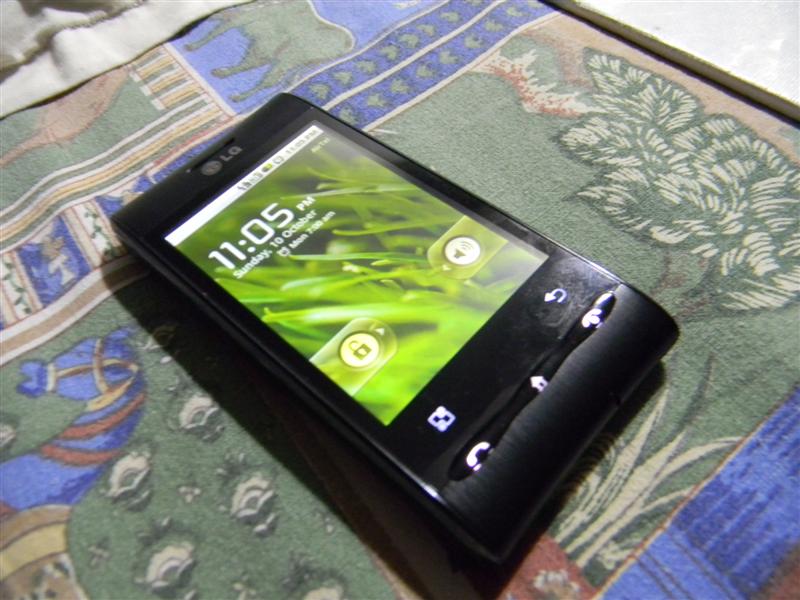
The competition is getting tough and Samsung's Android entry clearly upsets the balance for LG and with the Nokia X6 offering a 5MP camera with LED flash at a slightly higher price is another factor that seems to hurt the Optimus. Android v1.6 in today's day and age is like selling Windows 98 to a Windows 7 generation. Exclusion of LED flash will definitely weigh heavy on the customers' mind.
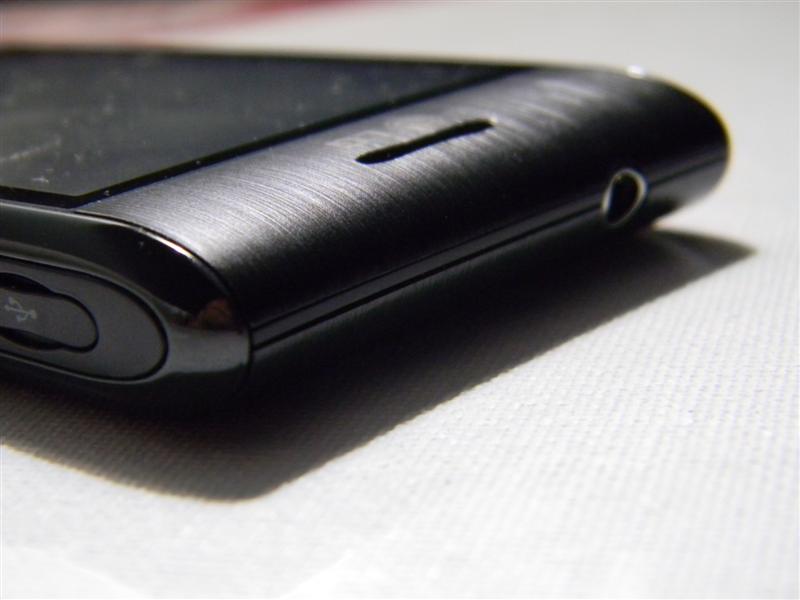
The tapered ends of the might look silly, but they are anything but that. Only after holding the device horizontally can you appreciate the tapered ends. When you hold the device those ends actually make it more comfortable and easier to get a grip. The slight concave look of the device at both ends aids in the same bit. Clearly, to judge the LG Optimus on looks will be a wrong thing to do, though I wonder why LG does not publicize these bits in their ads and communications to the public at large.
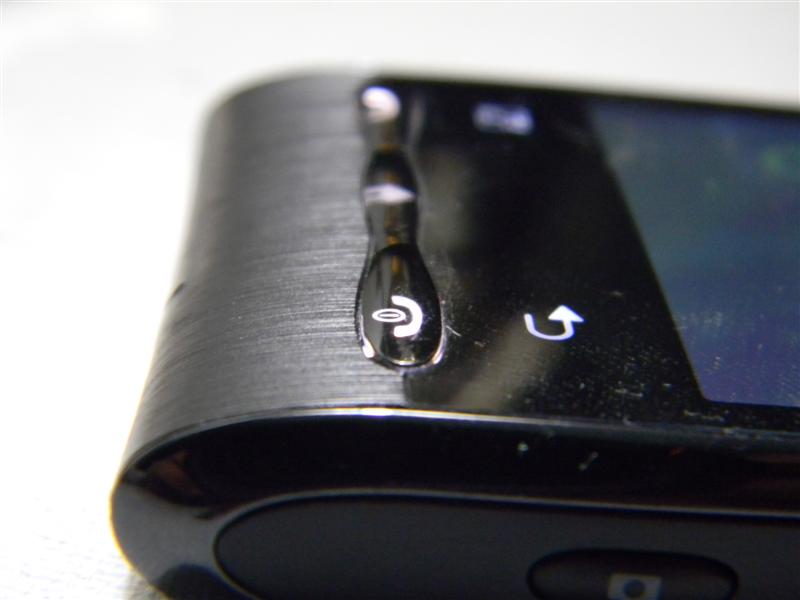
The keys on the LG Optimus however are the exact opposite of the design, you might think that those buttons must be great and the touch sensitive buttons above the three connected button strip will be a pleasure to use. NO it is not. The three keys are responsive, but it would inspire much more confidence if there was more travel available. The touch sensitive keys are extremely unresponsive and I've had to literally push my fingers against them to elicit any response. LG, if you are reading this, it's time to hit the drawing boards with the Optimus especially for the keys.
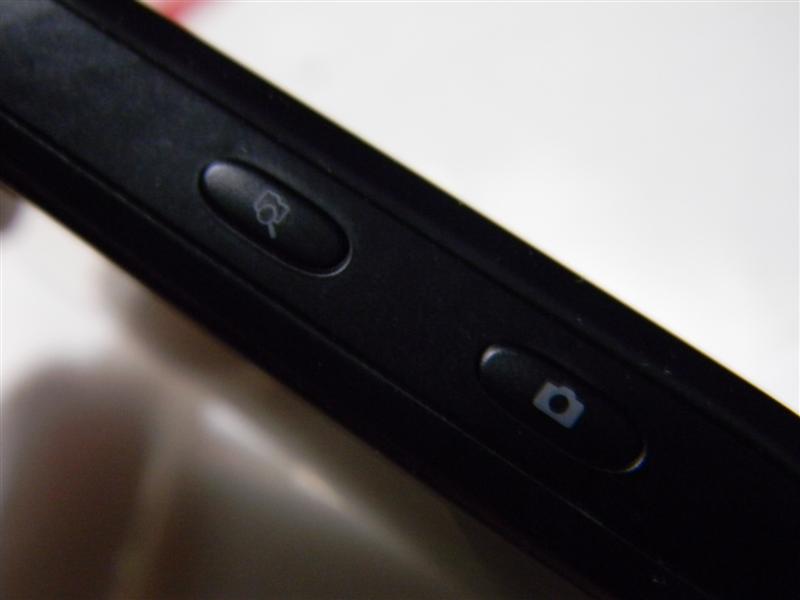
The Search key at the side is quite an innovative spot for the phone, but it is more raised than the camera key and initially I thought that was the camera key. This however may be an issue with just our review unit.
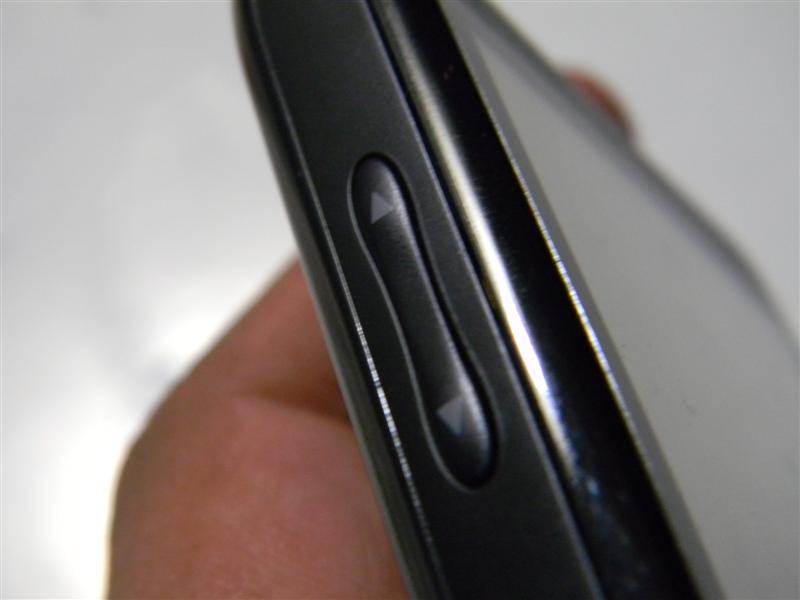
The plasticky feel of the device is made undesirable primarily because of the brushed metal look given to the device. Had it actually been metal, this device would have completely set the standards when it came to design. The black chrome strip at the side of the device looks good and I think keeping it chrome would have made it stand out and how!
The fit of the device is something where LG Optimus excels. No squeaks or uneven shutlines, this thing looks like it was a one piece design. The battery cover is easy enough to remove. It is however tough to make out that this phone has a removable battery cover, Good job with that LG.
The processor on the LG is not a 1GHz or an 800MHz but a 600MHz processor with 256MB RAM. Having played with the Galaxy S for a brief period of time, I thought that 600 would be too little and would ruin the experience, but that wasn't the case, the Optimus is not lightning fast, but then again are there any phones that are?
The Optimus chugs along at a comfortable pace doing what you want it to do and at not point will feel hurried… A rather unique quality and something which I liked, it's swift without being fast. This phone will definitely get the job done for you.
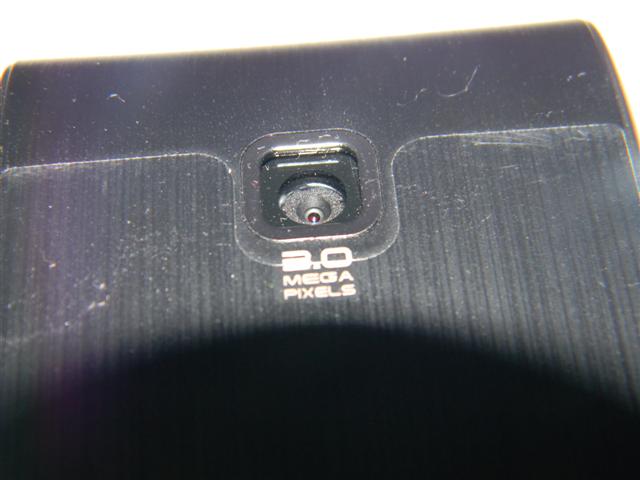
Camera wise the Optimus disappoints primarily because of the lack of an LED flash. I find it unacceptable to have a phone without a decent flash. It defeats the purpose of having a camera. The pictures clicked look washed out on the phone's screen and are dull otherwise too. The camera is quite capable of churning out good photos, what it requires is better support in terms of colour. Better colour support will certainly improve the image quality.
A 3.5mm audio jack is one of the best things to happen to phones and having it on this phone is no biggie, but a boon it is… one can chuck the standard headset that comes with the Optimus and simply pick any good headphones/earphones to get instant music gratification.
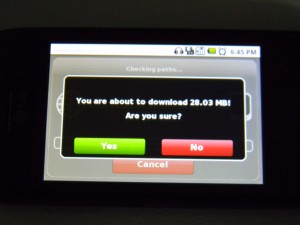
WiFi on the Optimus is decent and page load up pretty well. GPS latching is pretty quick and location integration is pretty tight on the Android, so the package you have is killer! The GPS inside a room was pretty good and quite frankly came as a pleasant surprise to me. These are two aspects where the Optimus just does not disappoint. The NDrive is a nifty addition which is supposed to allow one to basically get audio instructions for directions… a good addition by LG considering Nokia has been doing it for quite some time. But the audio file size is 28MB!!! and could have been preloaded onto the memory card to allow out of box usage.
Call quality, an important factor considering this is a phone at the end of the day, well, it's pretty good, I was able to hear the person on the other end and caller at the other end also reported clarity in voice even when I was in a rather busy area. That's good work LG!
Overall the Optimus is a 7/10 in terms of hardware, it barely makes it and needs to improve certain bits to be a serious threat to the Galaxy 3, which it can definitely be.
 <!-- Begin SexyBookmarks Menu Code -->
<!-- End SexyBookmarks Menu Code -->
<!-- Begin SexyBookmarks Menu Code -->
<!-- End SexyBookmarks Menu Code -->


