The newest offering from Blacksmith Games, who have previously brought Plushed [99�/Lite] and�Boostball [99�] to the App Store, is a physics puzzler called Floop [99�]. In Floop, the goal is to launch an acorn into a squirrel's mouth using the least amount of tries as possible. Making this task more difficult are the many hazards and obstacles contained in the 50 cleverly designed levels. Floop is a game that seems so simplistic on the outside but contains quite a bit of complexity, mostly due to the interesting physics engine, and is wrapped up in the kind of visually pleasing package that we would expect from Blacksmith Games.

The mechanics in Floop are really easy to grasp. Each level begins with your acorn sitting at one spot in the level and a squirrel with a gaping maw at another. Touching the acorn and dragging away from it brings up a line that shows the trajectory the acorn will travel. Once you're satisfied with where the line is pointing, letting your finger off the screen sends the acorn flying. You'll earn up to 3 stars on each level based on the amount of launches it takes to get the acorn into the squirrel's hungry mouth. The 50 levels are divided across 4 different themes, with your total amount of launches for each theme tracked through Game Center leaderboards.
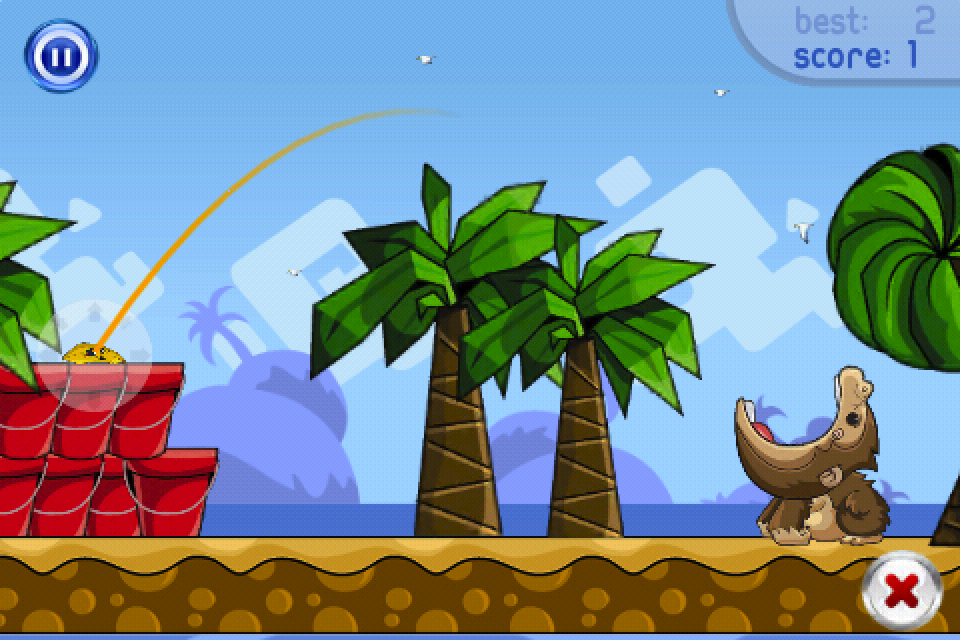
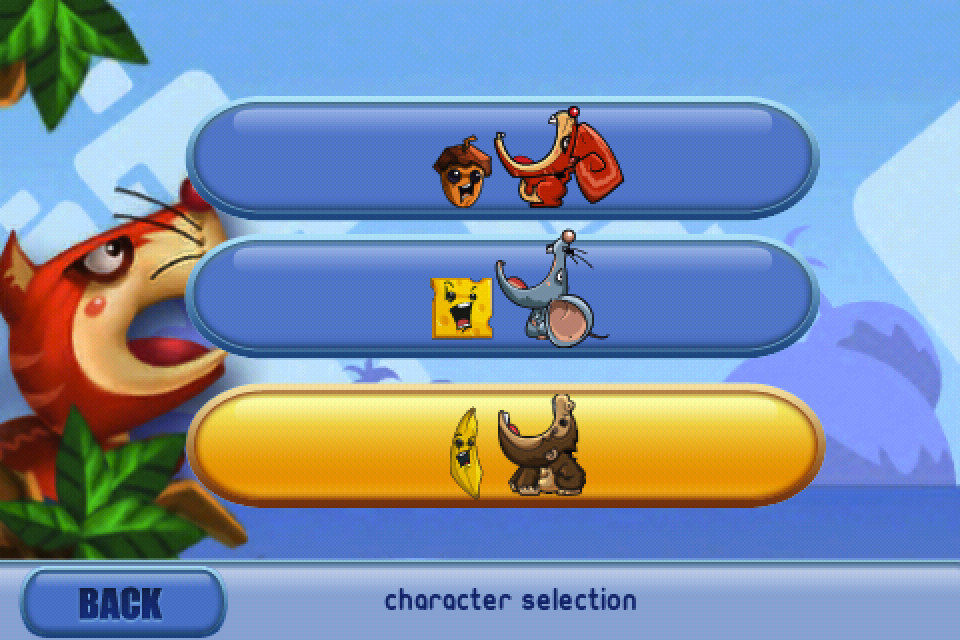
As you collect stars, you'll be able to spend them on unlocking two additional creatures to use in the game. One is a mouse which replaces the acorn with a block of cheese, and the other is an ape with a banana. Part of what makes Floop so much fun is the different behavior of each of these objects. The acorn has an odd shape and is bottom heavy, making for some crazy bounces. The block of cheese is a perfect square, with nice flat sides that can be used to your advantage. The banana has the weirdest shape of all, as it's elongated and can bounce in ways you would never expect, kind of like a football. These factors add some variety to the simplistic core gameplay of Floop. In addition to the 3 stars, each level also tracks what object you've used to complete it which adds a lot of replayability.
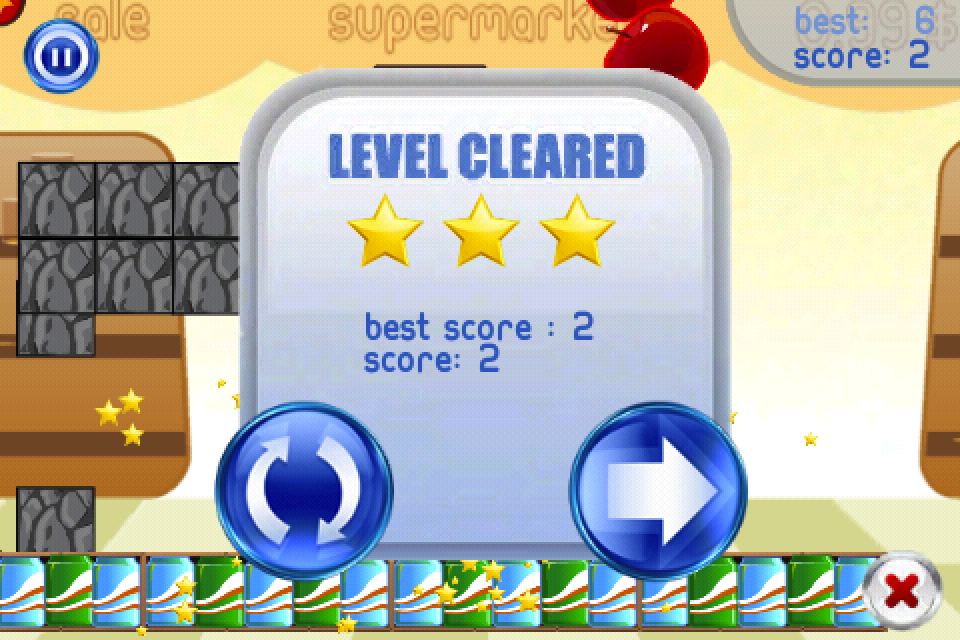
The physics system in Floop will either strike you as being fun or frustrating. It's extremely floaty and unpredictable, which ensures that each attempt at completing a level feels different from one another, but it can also be annoying at times. Sometimes it can take many retries just to get past a certain level, and others you will beat just with one launch because you had an incredibly lucky bounce right into the creature's mouth. Overall I think the random nature of the physics is fine, but will most likely bother you at some point. Also, the touch recognition when trying to launch can sometimes be unresponsive, and there are areas in each level where your object can get stuck, forcing you to restart.

The control mechanism is actually a bit different than what is shown in this video, but it still gives you a good idea at what kind of gameplay Floop has to offer:

These are pretty minor complaints though, and for the most part Floop really is a lot of fun. The Game Center integration with leaderboards and achievements had me hooked on trying to complete each level with the least amount of launches as possible. The graphics are cute and colorful, though unfortunately not enhanced for Retina Display devices, and I really like the assortment of animals that bring different elements to the gameplay. Floop starts out fairly easy, but the difficulty ramps up nicely and it's quite challenging to complete the later stages, let alone getting 3 stars on them. Players in our forums are really enjoying the game as well, and I would recommend Floop if you're in the market for a new physics puzzler with a slightly unpredictable nature and a good amount of content.

<!-- PHP 5.x -->


Powered by WizardRSS | Full Text RSS Feeds

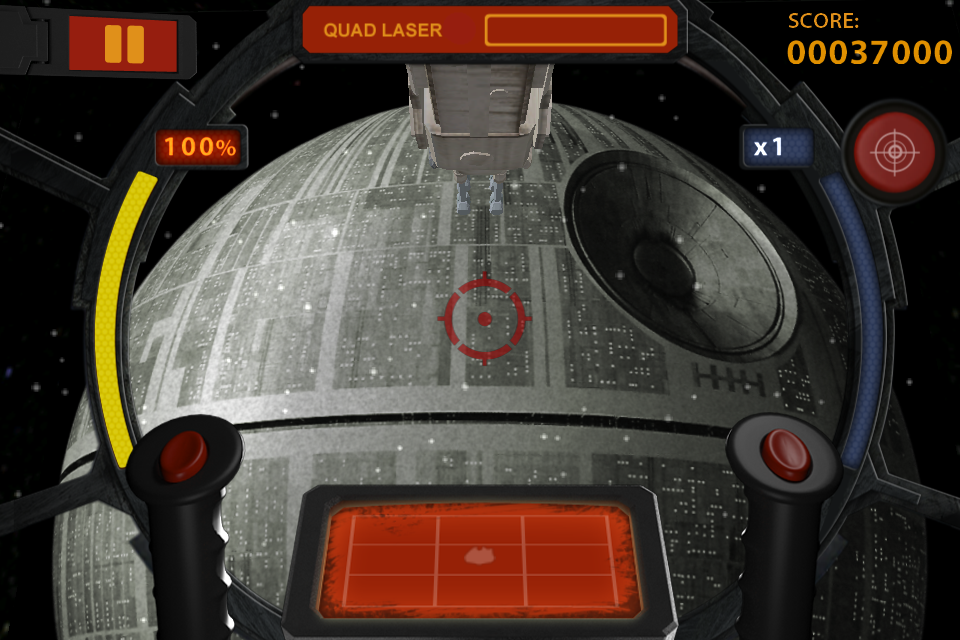
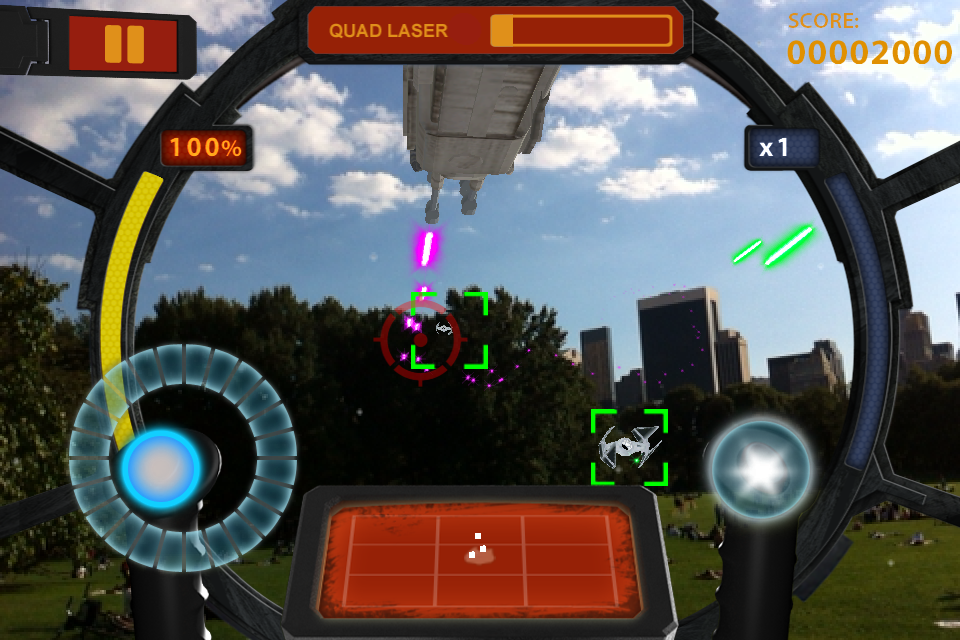
Developer THQ Wireless is flexing their Star Wars license once again with the announcement of Star Wars Arcade: Falcon Gunner. THQ has brought a number of Star Wars licensed games to the App Store, including Star Wars: Battle for Hoth [$2.99/Lite] and Star Wars: Trench Run [$2.99]. This newly announced Falcon Gunner game takes a slightly different approach, unsurprisingly placing you in the gunner's seat on the Millenium Falcon and having you blast away at enemies in an augmented reality style overlay.

We've seen these kinds of games before, but admittedly Star Wars: Falcon Gunner looks to be a fairly high quality effort with a nicely modeled gunner interior and the wonderful authentic Star Wars music and sound effects that I'm such a sucker for. You'll be able to point your device's camera at anything and watch the onslaught of TIE Fighters and other enemies come gunning for you, which leaves open the possibility for some humorous dogfighting locations ("Imperial TIE Fighter heading straight at us from the litter box sir!").

Of course if you aren't in an area that features an appropriate battle environment, Star Wars: Falcon Gunner will come equipped with some pre-rendered backgrounds where you can play as well. This video shows Falcon Gunner being played with New York City as a backdrop:

Not many other details are known about Star Wars: Falcon Gunner at this time, though THQ is shooting for a mid-November release. Though the game won't necessarily need to use the camera since it has the option of built in backgrounds, it looks like it will only be compatible with the iPhone 3GS, iPhone 4, and 4th generation iPod touch which are all camera equipped. We'll have more from Star Wars: Falcon Gunner as it gets closer to release later this month, and you can drop by the upcoming games thread in our forums for some discussion on the game.

<!-- PHP 5.x -->


Powered by WizardRSS | Full Text RSS Feeds

Last month Capcom Mobile announced an interesting new freemium type of game called Capcom Arcade [Free]. The game would serve as a shell of sorts that offered a selection of Capcom's classic arcade ports that have been enhanced for the touch screen. Each game could be played with tokens, with a few free tokens given to you each day, or the option to purchase a pack of tokens as IAP. Also you would have the ability to purchase any of the arcade games outright for a flat fee, meaning they would be playable forever without the use of any tokens. I had a chance to go hands-on with Capcom Arcade last month, and my impressions from the brief time I played each of the games was pretty positive.

The emulation of each of the titles is fairly good, but definitely not perfect, and the controls are about the best that they can be given the touch screen interface. All four games have the option of positioning the virtual buttons where you please, as well as a number of preset positions. Also, every game comes with two flavors of difficulty to play. The default is a toned down iPhone specific difficulty, but you can choose the original arcade difficulty from the options too. As most of these games were incredibly hard back in the arcade days, this is a welcome addition.

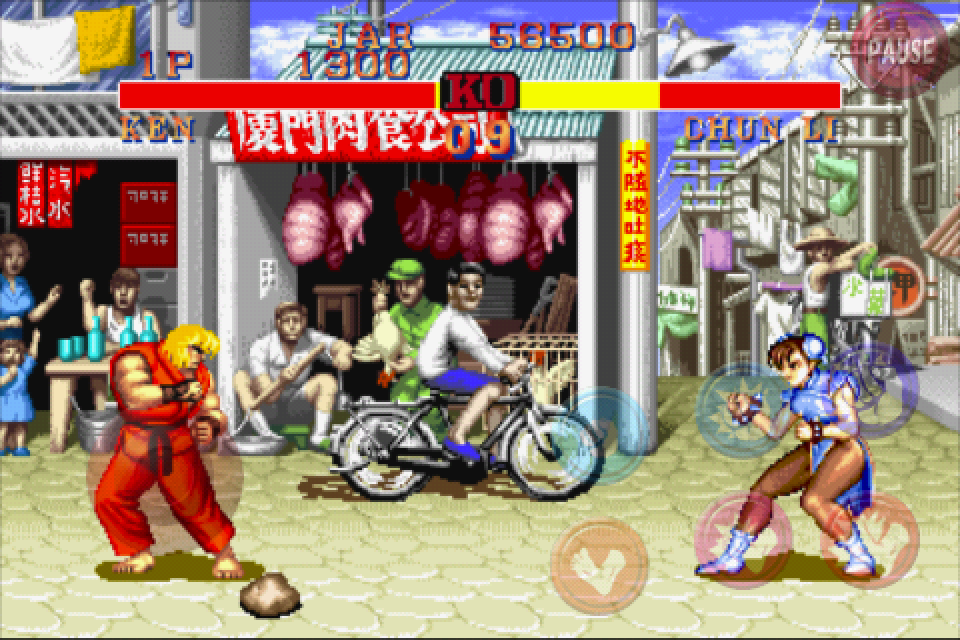
The inaugural selection of titles in Capcom Arcade is pretty solid. The highlight is of course the original Street Fighter II. With so many versions of this game being made over the years, this original version feels a little bare bones compared to some of the later iterations, but is still a fun game even two decades later. The next title in the lineup is Ghouls 'n Ghosts, which seemed to me to perform the best out of all the available games. It runs smoothly and the virtual buttons actually work much better than I thought they would for this type of game. It's still one of the hardest games of all time though, even on the easier iPhone difficulty. Both of these games run in landscape mode and offer an original screen aspect ratio as well as a full screen option.

Then there are the games Commando and 1942, which both run in portrait mode and offer only one screen size. Commando performs pretty well, but it can be difficult to aim your shots at oncoming enemies using the virtual joystick. Also the grenade button isn't as responsive as it should be, resulting in me dying on more than one occasion when trying to toss one at some bad guys. 1942 on the other hand is kind of the opposite. The performance leaves a lot to be desired, with the game constantly stuttering when lots of action is onscreen. The controls work well though, with automatic firing and sliding your finger along the bottom of the screen controlling your plane. With so many shooters available on the App Store, it's surprising how much fun 1942 still is after 25 years.

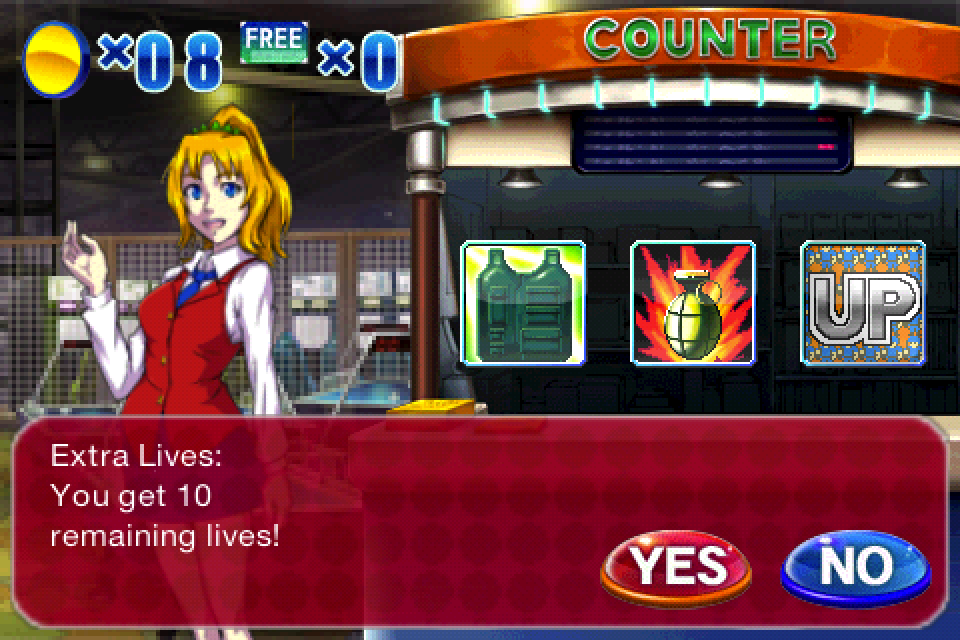
Just like in the arcades, an initial play or continue of each game �in Capcom Arcade will cost you one token. You start each day with 3 free tokens and can buy a maximum of 10 tokens at a time for 99�. If you want to purchase the game outright, each one can be bought for $2.99. Also, a number of IAP "cheats" can be purchased for each game. These can be things like the ability to cause or absorb more damage, additional starting lives, better equipment, and more. Each of these special items will run 99� and only need to be purchased one time, and can then be toggled on or off from the options menu of each game.

Overall I like Capcom Arcade and I'm especially fond of Capcom's pay model for this title. In an era where freemium gaming is the route that many developers are choosing to take, Capcom Arcade offers gamers the best set of options. Right off the bat you can download the title and try out the games a few times each day for free. Or you can buy 10 tokens to spend on each game however you wish, and if enjoy a particular game a great deal then you can just choose to buy it outright and play to your heart's content. The emulation of each game isn't completely spot-on, but they're all really playable and the assortment of control options is a nice touch. There's really no reason not to give Capcom Arcade a try since it's free, and I'm eager to see what new titles will be added in the future as the game evolves.

<!-- PHP 5.x -->


Powered by WizardRSS | Full Text RSS Feeds

As you know, iPhone has no Flash support, but there are some good news for all iPhone users since they are going to get the chance to enjoy in Flash content with the new Skyfire browser.

Skyfire is one of the best browsers on Android OS, and now iOS users are going to get their chance to use it, since it has reached to the Apple's App Store. Thanks to Skyfire, iOS users will be able to enjoy in Flash web videos because Skyfire plays Flash videos by converting them to HTML5 that can easily be read on iOS. Of course, Skyfire for iOS won't be able to display Flash sites, but at least it will be able to play flash videos on iOS without any problems. Besides Flash conversion, Skyfire for iOS comes with Facebook Quickview option that allows you to access mobile Facebook without leaving the current app.

It's great to see that one of the best browsers for Android OS is available on iOS, and with features such as Flash conversion, we're sure that Skyfire will be hit on iOS, but unfortunately, it seems that Skyfire has been�temporarily�taken off the App Store and cannot be found at the moment. Its been pulled from the App Store, not Apple but by SkyFire as high demand for Flash to HTML5 video conversions stressed the company's servers to the max. Skyfire plans on retooling their backend infrastructure and relaunching the application.

[via Gadgetell]

Related Posts with Thumbnails


Powered by WizardRSS | Full Text RSS Feeds